Table of Contents
How to Access WHM, cPanel, and Webmail Securely
Most web hosting servers provide access to:
- :contentReference[oaicite:4]{index=4}
- :contentReference[oaicite:5]{index=5}
- Webmail services
These tools allow users to manage websites, email accounts, databases, hosting settings, and server administration tasks.
This guide explains the secure methods used to access each service.
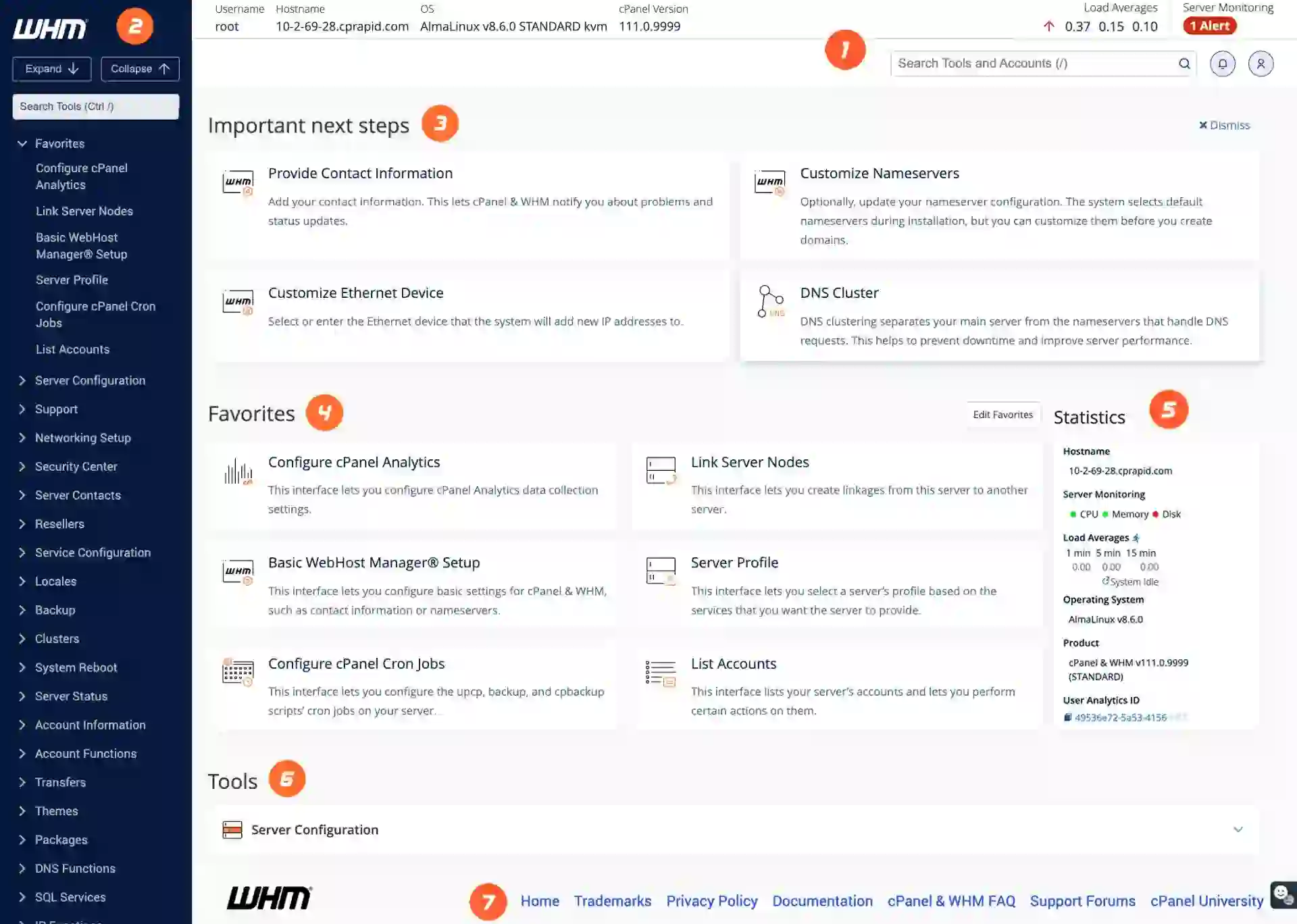
What Is WHM?
:contentReference[oaicite:6]{index=6} (WebHost Manager) is the server administration panel commonly used by:
- Hosting providers
- Server administrators
- Resellers
Main Functions
- Create hosting accounts
- Manage server resources
- Configure DNS settings
- Monitor server performance
- Manage security and backups
What Is cPanel?
:contentReference[oaicite:7]{index=7} is designed for individual hosting account management.
Features Include
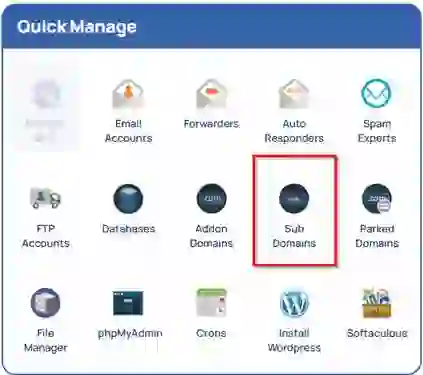
- Website management
- Email account creation
- Database management
- File uploads
- Domain management
It is one of the most popular hosting control panels worldwide.
What Is Webmail?
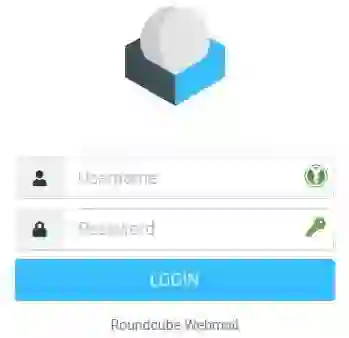
Webmail allows users to access email accounts directly through a web browser without needing desktop email software.
Popular Webmail Clients
- :contentReference[oaicite:8]{index=8}
- :contentReference[oaicite:9]{index=9}
Webmail is useful for checking email from any device with internet access.
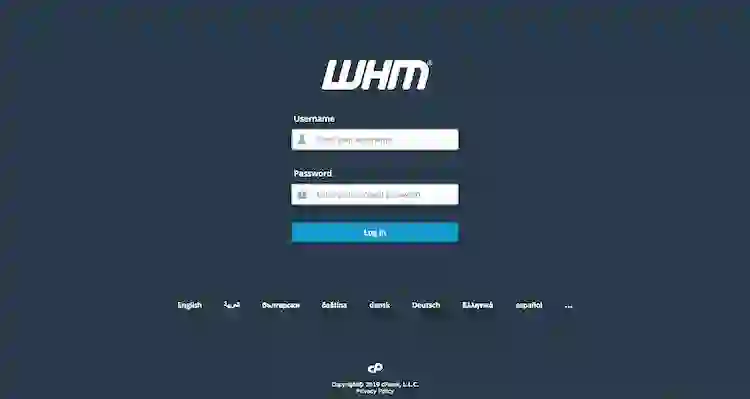
How to Access WHM
WHM is usually accessed using secure HTTPS connections.
WHM Login URLs
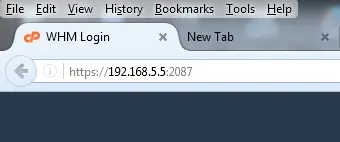
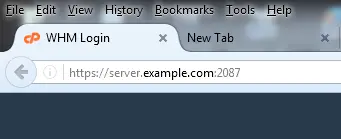
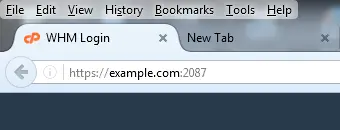
- https://example.com:2087
- https://whm.example.com
- https://SERVER-IP:2087
WHM Login Credentials
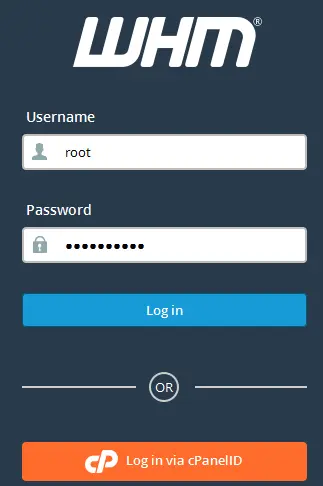
- Username: root or reseller username
- Password: server account password
Port 2087 is the secure WHM access port.
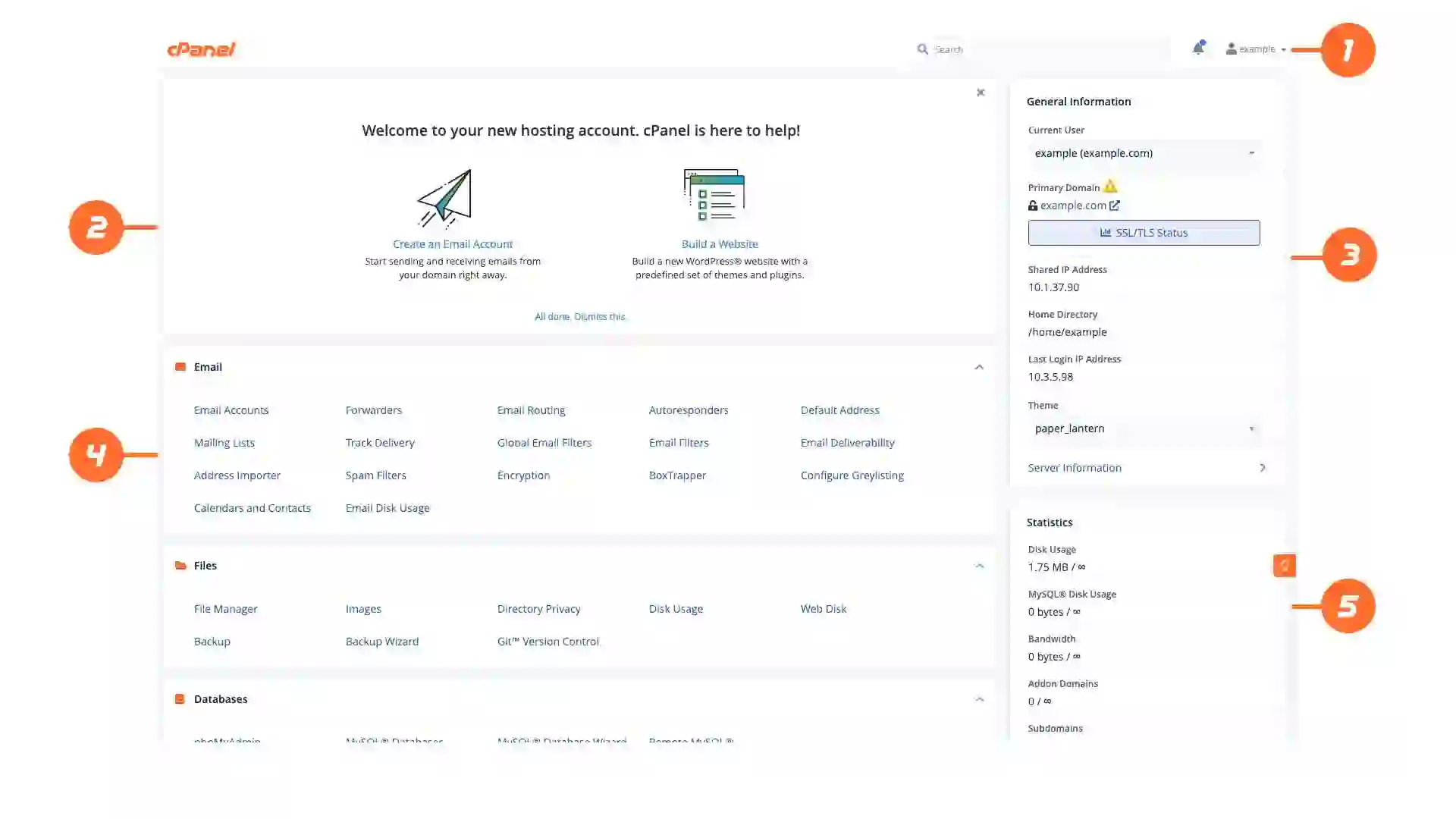
How to Access cPanel
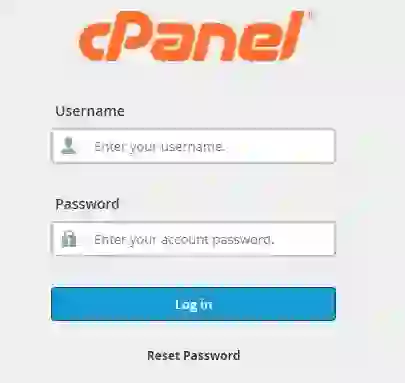
cPanel uses a separate secure login interface.
cPanel Login URLs
- https://example.com:2083
- https://cpanel.example.com
- https://SERVER-IP:2083
- https://example.com/cpanel
cPanel Login Credentials
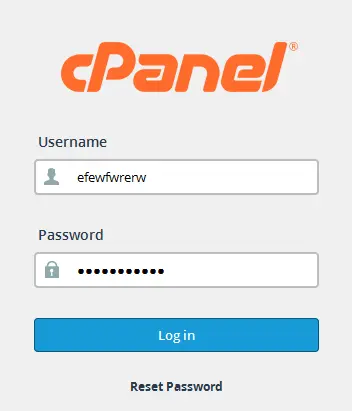
- Username: cPanel account username
- Password: hosting account password
Port 2083 is the encrypted cPanel login port.
How to Access Webmail
Webmail allows direct browser-based access to email accounts.
Webmail Login URLs
- https://example.com:2096
- https://webmail.example.com
- https://SERVER-IP:2096
- http://example.com/webmail
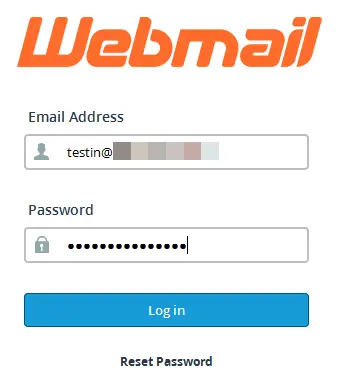
Webmail Login Credentials
- Username: full email address
- Password: email account password
Port 2096 provides secure encrypted webmail access.
Alternative Access Methods
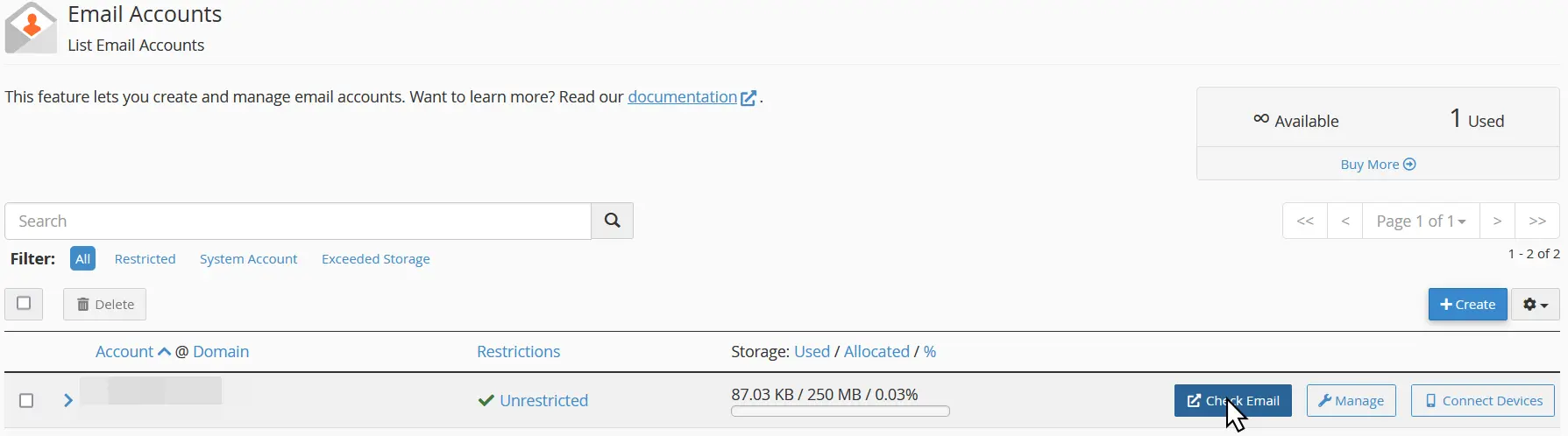
You can also access webmail directly through cPanel.
Steps
- Log in to cPanel
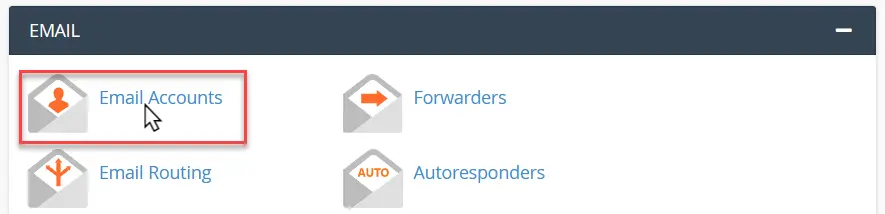
- Open Email Accounts
- Click Check Email
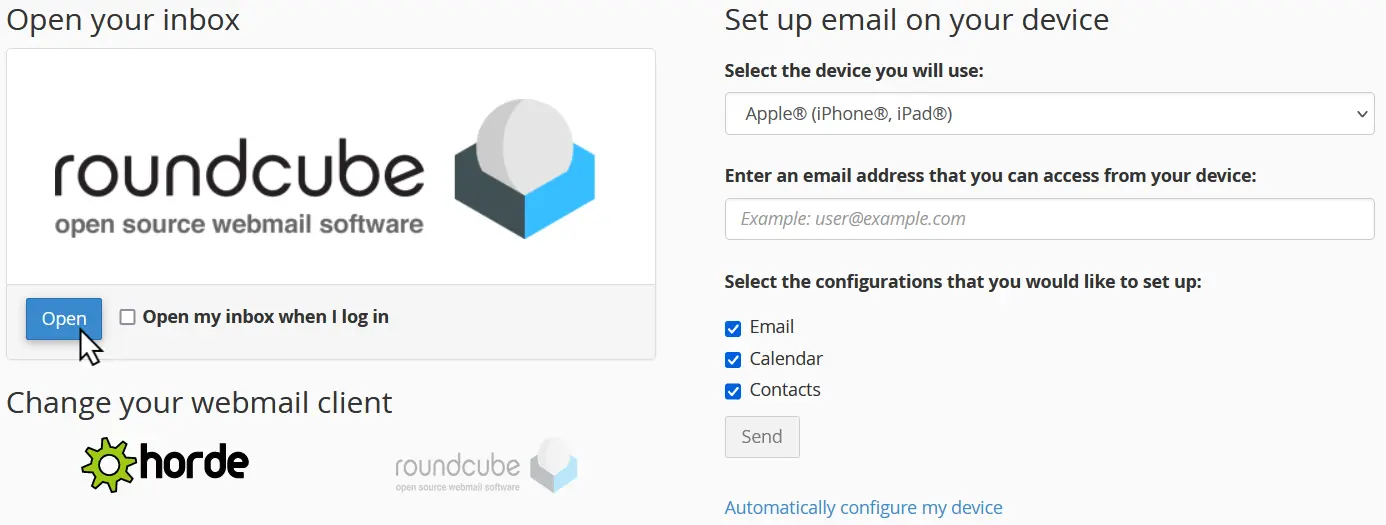
- Select your preferred webmail client
This method simplifies access to email management.
Security Tips
Always use secure HTTPS connections when logging into hosting services.
Best Practices
- Use HTTPS URLs
- Enable strong passwords
- Activate two-factor authentication if available
- Avoid logging in on public networks
- Keep browsers updated
Encrypted HTTPS connections protect login credentials during transmission.
Common Login Problems
Sometimes users may encounter login or SSL warnings.
Common Issues
- Incorrect passwords
- Expired SSL certificates
- Firewall restrictions
- Wrong port numbers
- DNS propagation delays
Possible Solutions
- Verify login credentials
- Use secure HTTPS URLs
- Clear browser cache
- Contact your hosting provider
- Reset passwords if needed
Final Thoughts
Accessing :contentReference[oaicite:10]{index=10}, :contentReference[oaicite:11]{index=11}, and Webmail is essential for managing hosting accounts, websites, and email services.
Using the correct ports and secure HTTPS connections ensures:
- Better security
- Encrypted communication
- Safer account management
Always keep your login credentials secure and avoid sharing administrator access with untrusted users.
Frequently Asked Questions
What is the difference between WHM and cPanel?
WHM manages entire servers and hosting accounts, while cPanel manages individual websites and hosting accounts.
Which port does cPanel use?
Secure cPanel connections use port 2083.
What is the secure WHM port?
WHM uses secure port 2087.
How do I access webmail?
You can access webmail using secure port 2096 or through cPanel email management.
Why do I see SSL warnings?
SSL warnings may appear if the website uses a self-signed or missing SSL certificate.
Helpful Resources:
- URL format:
https://example.com:2087(secure connection, recommended)https://whm.example.com(service subdomain)https://[server_IP_address]:2087(secure connection using IP)
- Login credentials:
- Username: Typically
root(or a reseller username) - Password: The associated password for that account
- Username: Typically
- URL format:
https://example.com:2083(secure connection, recommended)https://cpanel.example.com(service subdomain)https://[server_IP_address]:2083(secure connection using IP)https://example.com/cpanel(alternative URL format)
- Login credentials:
- Username: The cPanel account username
- Password: The associated password for that account

- URL format:
https://example.com:2096(secure connection, recommended)https://webmail.example.com(service subdomain)https://[server_IP_address]:2096(secure connection using IP)http://example.com/webmail(alternative, non-secure URL)
- Login credentials:
- Username: The full email address (e.g.,
[email protected]) - Password: The password for that specific email account
- Username: The full email address (e.g.,
- Alternative access via cPanel:
- Log in to cPanel.
- Navigate to the Email Accounts interface.
- Click the Check Email button next to the desired email account.
- Select your preferred webmail client (e.g., Roundcube, Horde) to open your inbox.
https URLs to ensure your login credentials are encrypted during transmission. If you encounter a security warning, it may be due to an uninstalled or self-signed SSL certificate. If you forget your password, contact your hosting provider for assistance or use the built-in reset options if configured.