Table of Contents
- Introduction
- Why WordPress Database Optimization Matters
- Signs Your WordPress Database Needs Optimization
- Best WordPress Database Optimization Plugins
- WP-Optimize
- Advanced Database Cleaner
- WP-Sweep
- Asset CleanUp
- Perfmatters
- Benefits of Database Optimization
- Optimization Best Practices
- Frequently Asked Questions
Website speed is one of the most important factors for online success.
A slow website can reduce user experience, lower search engine rankings, and decrease conversions.
For WordPress websites, one of the biggest hidden performance problems is a bloated database.
Over time, WordPress databases collect unnecessary data such as:
- Post revisions
- Spam comments
- Transient options
- Unused plugin tables
- Auto drafts
- Expired cache data
To learn more, check our guide on WordPress SEO workflow.
If this data is not cleaned regularly, your website may become significantly slower.
Fortunately, several powerful WordPress plugins can automatically optimize your database and improve overall website performance.
In this guide, we explore the best WordPress database optimization plugins and explain how they can help speed up your website.
Why WordPress Database Optimization Matters
Your WordPress database stores nearly everything related to your website, including:
- Posts and pages
- User information
- Plugin settings
- Comments
- Theme options
- Website configurations
As your website grows, the database becomes larger and more complex.
Without optimization, queries may take longer to process, resulting in:
- Slow page loading times
- High server usage
- Poor SEO performance
- Website lag
- Reduced user satisfaction
Database optimization helps remove unnecessary data and improves database efficiency.
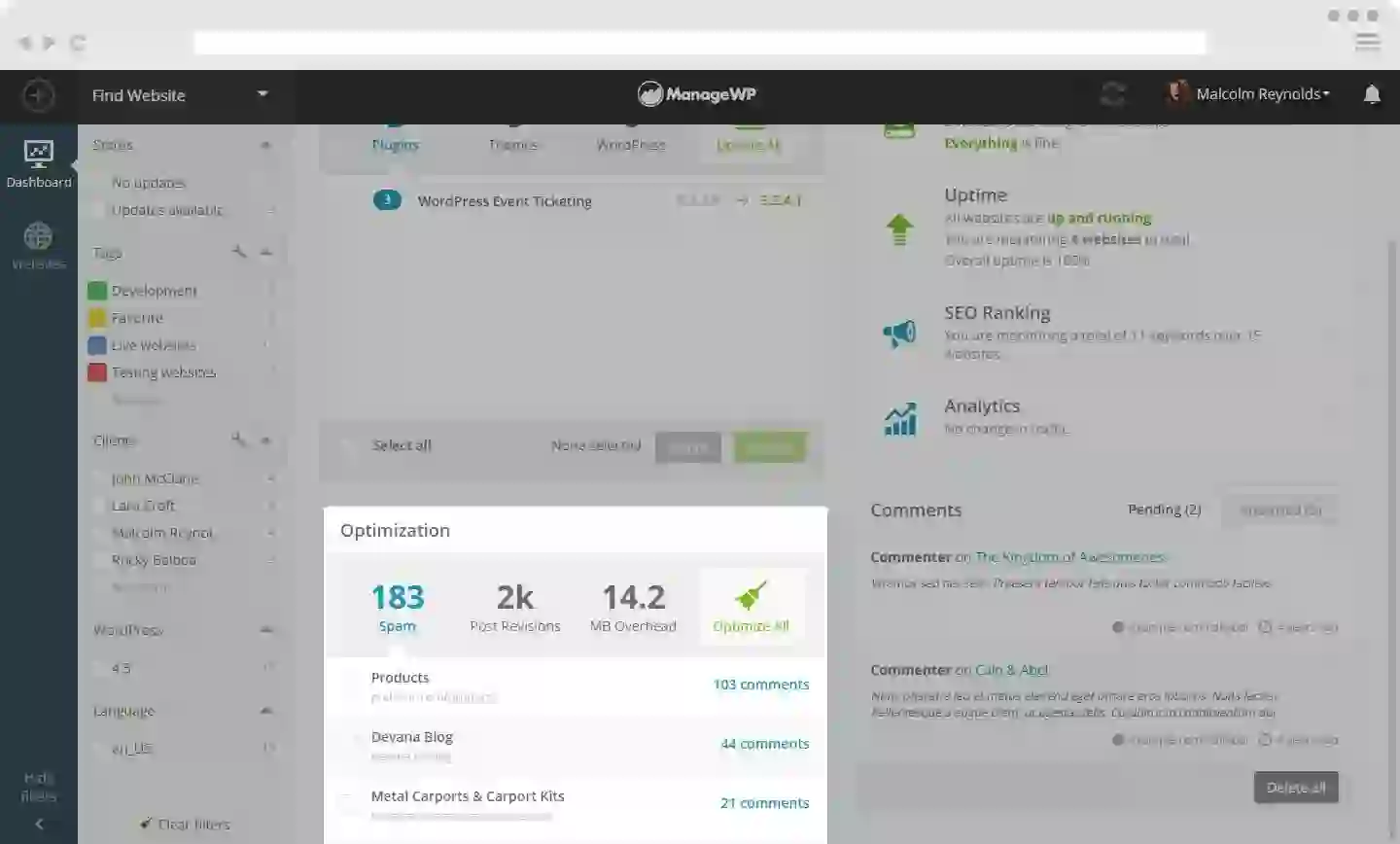
Signs Your WordPress Database Needs Optimization
Many website owners do not realize their database has become bloated until performance problems appear.
Common Warning Signs
- Slow WordPress dashboard
- Long page loading times
- Increased server CPU usage
- Database connection errors
- Website lag during editing
- Large backup sizes
To learn more, check our guide on best WordPress cache plugins.
If you notice any of these issues, optimizing your WordPress database can significantly improve performance.
Best WordPress Database Optimization Plugins
There are many optimization plugins available for WordPress, but some stand out because of their reliability, features, and ease of use.
Below are the best database optimization plugins for WordPress websites.
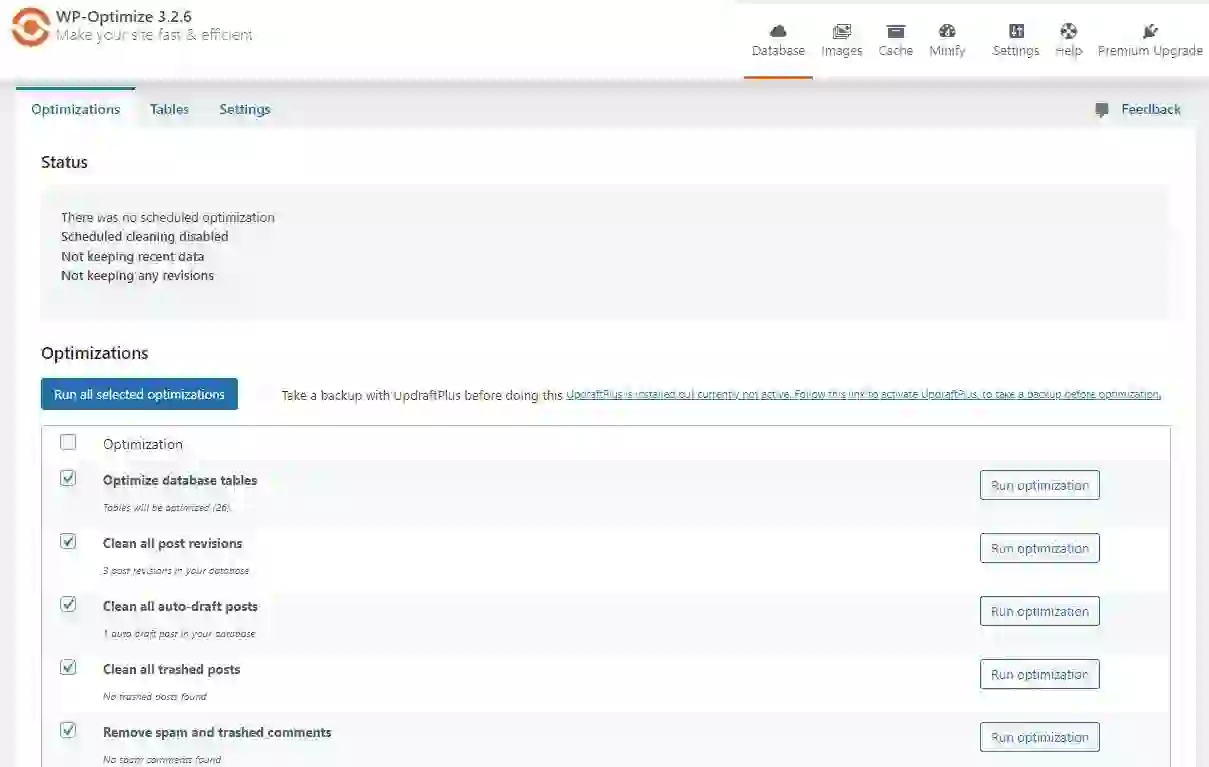
1. WP-Optimize
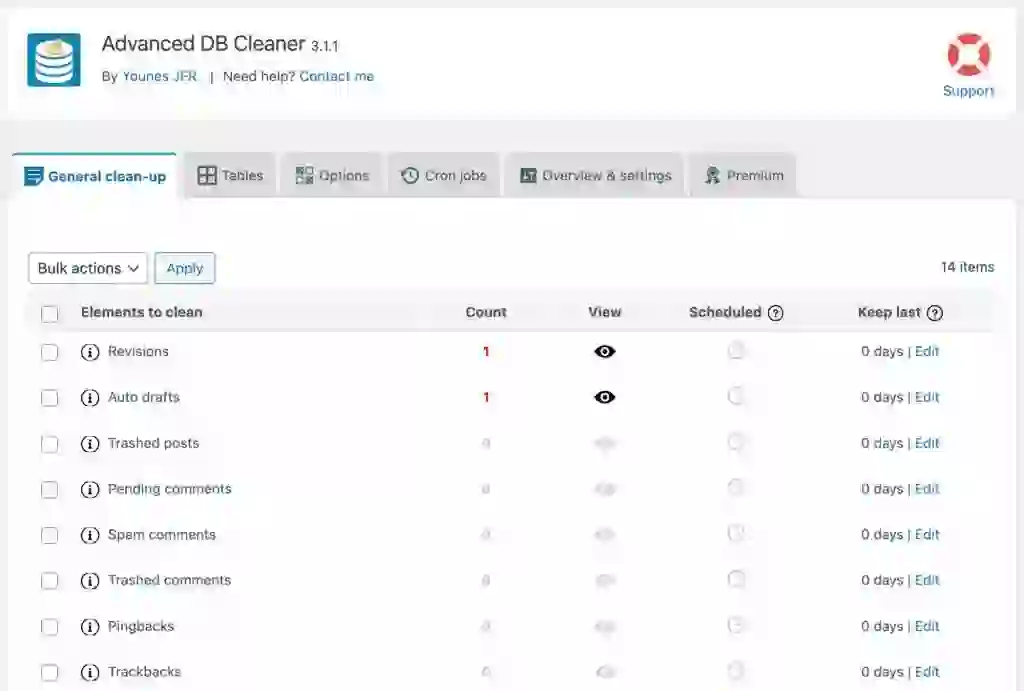
WP-Optimize is one of the most popular WordPress optimization plugins.
It combines database cleaning, image compression, and caching in one plugin.
Main Features
- Remove post revisions
- Delete spam comments
- Clean transient options
- Optimize database tables
- Schedule automatic cleanups
- Compress images
To learn more, check our guide on MySQL database optimization.
Why Users Like WP-Optimize
The plugin is beginner-friendly and provides a simple dashboard for managing database optimization tasks.
It also supports automatic optimization schedules, which helps maintain website performance over time.
Best For
- Beginners
- Bloggers
- Business websites
- WooCommerce stores
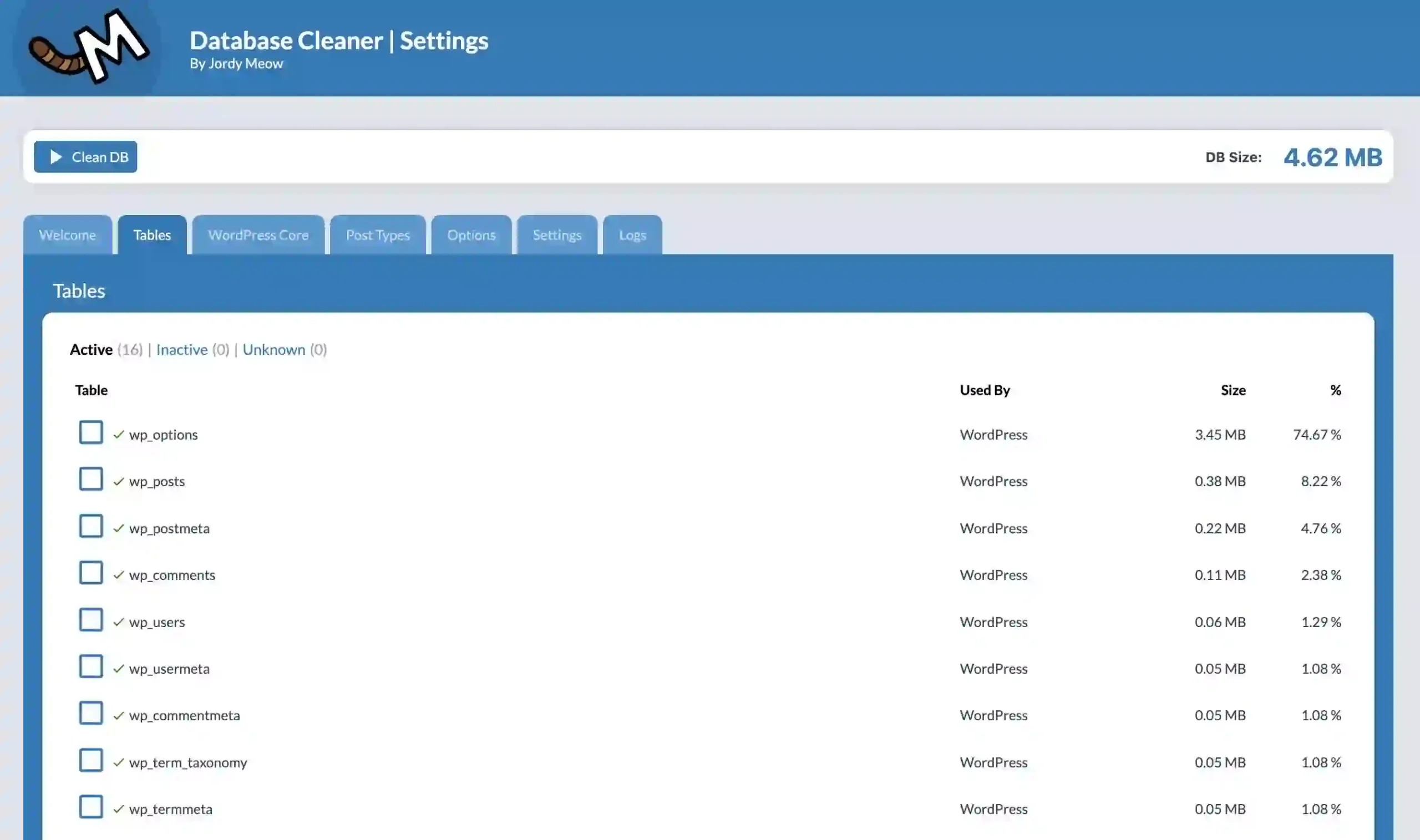
2. Advanced Database Cleaner
Advanced Database Cleaner focuses specifically on database cleanup and optimization.
It provides detailed information about unnecessary database entries.
Main Features
- Remove orphaned tables
- Delete unused cron jobs
- Clean old revisions
- Remove unused metadata
- Optimize database tables
To learn more, check our guide on create MySQL database in cPanel.
Advanced Control
This plugin gives users more detailed control over what gets removed from the database.
It is especially useful for websites that frequently install and uninstall plugins.
Best For
- Advanced users
- Developers
- Large websites
3. WP-Sweep
WP-Sweep is a lightweight database optimization plugin created by WordPress developers.
The plugin uses native WordPress cleanup functions, making it very safe to use.
Main Features
- Delete revisions
- Remove duplicate metadata
- Clean auto drafts
- Delete spam comments
- Optimize database tables
To learn more, check our guide on Remote MySQL cPanel.
Simple and Lightweight
Unlike some larger optimization plugins, WP-Sweep focuses entirely on database cleanup without adding unnecessary features.
Best For
- Lightweight websites
- Minimalist setups
- Performance-focused users
4. Asset CleanUp
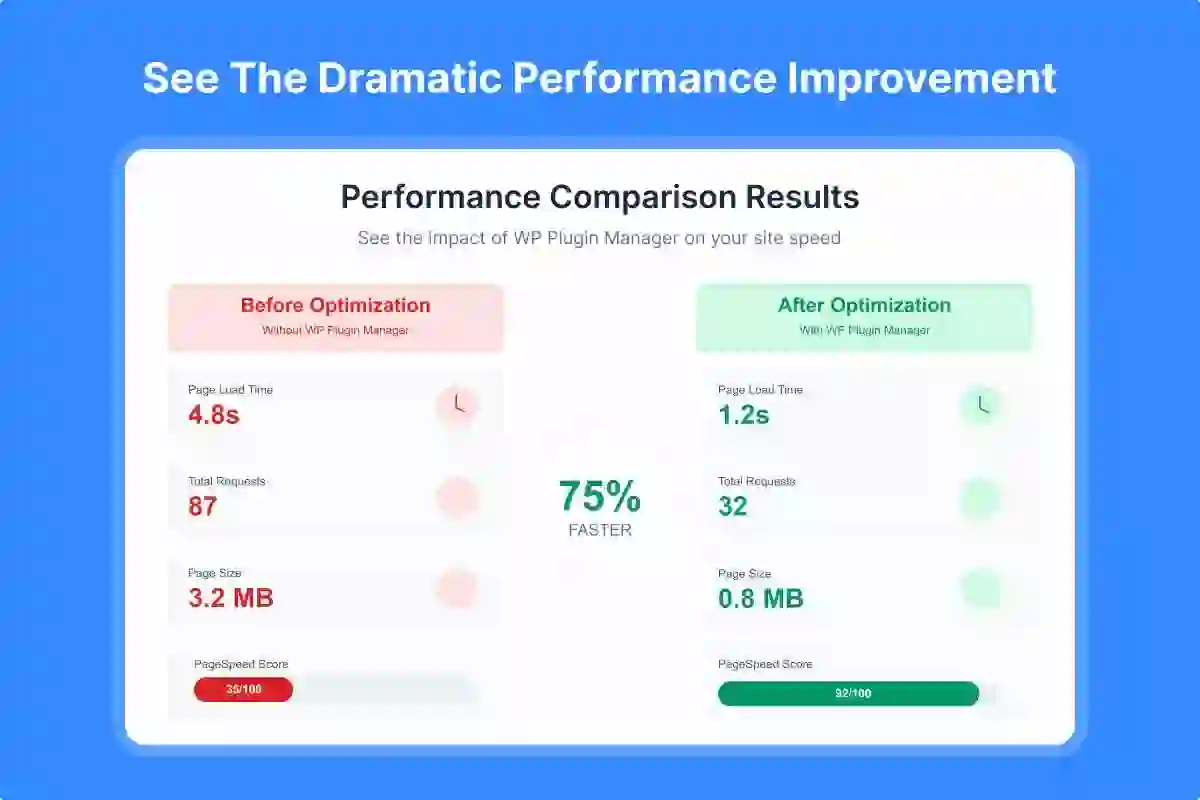
Asset CleanUp is primarily designed to improve frontend performance, but it also indirectly helps database optimization.
The plugin disables unnecessary CSS and JavaScript files loaded by plugins.
Main Features
- Unload unused CSS files
- Disable unnecessary JavaScript
- Reduce HTTP requests
- Improve page speed
- Reduce server load
To learn more, check our guide on How to Fix 503 Service Unavailable Error.
By reducing unnecessary resource loading, websites become faster and more efficient.
Best For
- Performance optimization
- Core Web Vitals improvement
- Advanced speed optimization
5. Perfmatters
Perfmatters is one of the most powerful premium WordPress optimization plugins.
It focuses heavily on reducing unnecessary WordPress processes.
Main Features
- Disable WordPress bloat
- Optimize database tables
- Control scripts per page
- Reduce HTTP requests
- Lazy loading
- Heartbeat API control
To learn more, check our guide on optimize database tables phpMyAdmin.
Performance-Focused Design
Perfmatters is designed specifically for website speed enthusiasts who want maximum performance improvements.
Best For
- Professional websites
- SEO optimization
- High-traffic blogs
- WooCommerce stores
Benefits of Database Optimization
Regular database optimization offers many important benefits.
Main Advantages
- Faster website speed
- Improved WordPress dashboard performance
- Lower hosting resource usage
- Better SEO rankings
- Smaller backups
- Improved user experience
Google considers website speed an important ranking factor, which makes optimization even more important.
WordPress Database Optimization Best Practices
Using optimization plugins is helpful, but following best practices can improve results even further.
Best Practices
- Create regular backups
- Delete unused plugins
- Limit post revisions
- Clean spam comments regularly
- Use lightweight themes
- Optimize images
- Use quality hosting
- Enable caching
Combining these strategies with database optimization plugins can dramatically improve WordPress performance.
How Database Optimization Improves SEO
Website speed directly affects SEO performance.
Faster websites often achieve:
- Lower bounce rates
- Higher user engagement
- Better Core Web Vitals scores
- Improved search rankings
Optimizing your WordPress database helps search engines crawl and index your website more efficiently.
Free vs Premium Optimization Plugins
Many free plugins provide excellent optimization features.
However, premium plugins often include:
- Advanced controls
- Automatic scheduling
- Priority support
- Additional performance tools
- WooCommerce optimization
For large or business-critical websites, premium optimization plugins may provide better long-term value.

Common Database Optimization Mistakes
Some users accidentally damage their websites during optimization.
Avoid These Mistakes
- Deleting important tables manually
- Skipping backups
- Using too many optimization plugins
- Cleaning WooCommerce sessions incorrectly
- Removing active plugin data
Always create a full backup before making major database changes.
Final Thoughts
WordPress database optimization is one of the most effective ways to improve website speed and performance.
As websites grow, unnecessary database data can accumulate quickly and negatively affect loading times.
Using reliable optimization plugins such as WP-Optimize, Advanced Database Cleaner, WP-Sweep, Asset CleanUp, and Perfmatters can significantly improve performance and user experience.
Whether you run a personal blog, business website, or WooCommerce store, regular database optimization should be part of your WordPress maintenance routine.
A faster website not only improves SEO rankings but also creates a better experience for visitors and customers.
Frequently Asked Questions
What is WordPress database optimization?
WordPress database optimization involves cleaning unnecessary data and improving database performance to speed up websites.
Is database optimization safe?
Yes, if you use trusted plugins and create backups before making changes.
How often should I optimize my WordPress database?
Most websites benefit from weekly or monthly optimization depending on traffic and activity.
Can database optimization improve SEO?
Yes. Faster websites often rank better in search engines and provide better user experience.
What is the best WordPress database optimization plugin?
WP-Optimize and Advanced Database Cleaner are among the most popular and reliable choices.