Table of Contents
How to Free Up Storage Space on Your Smartphone: The Ultimate Guide
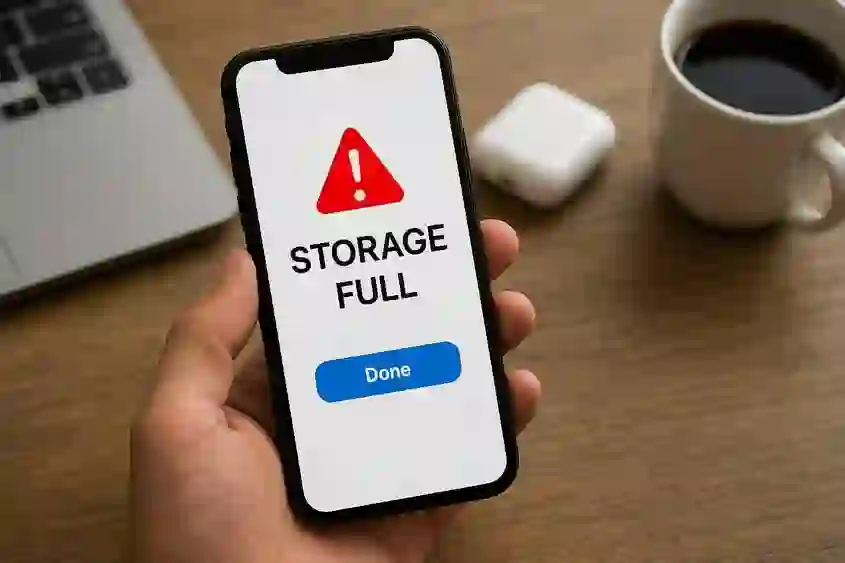
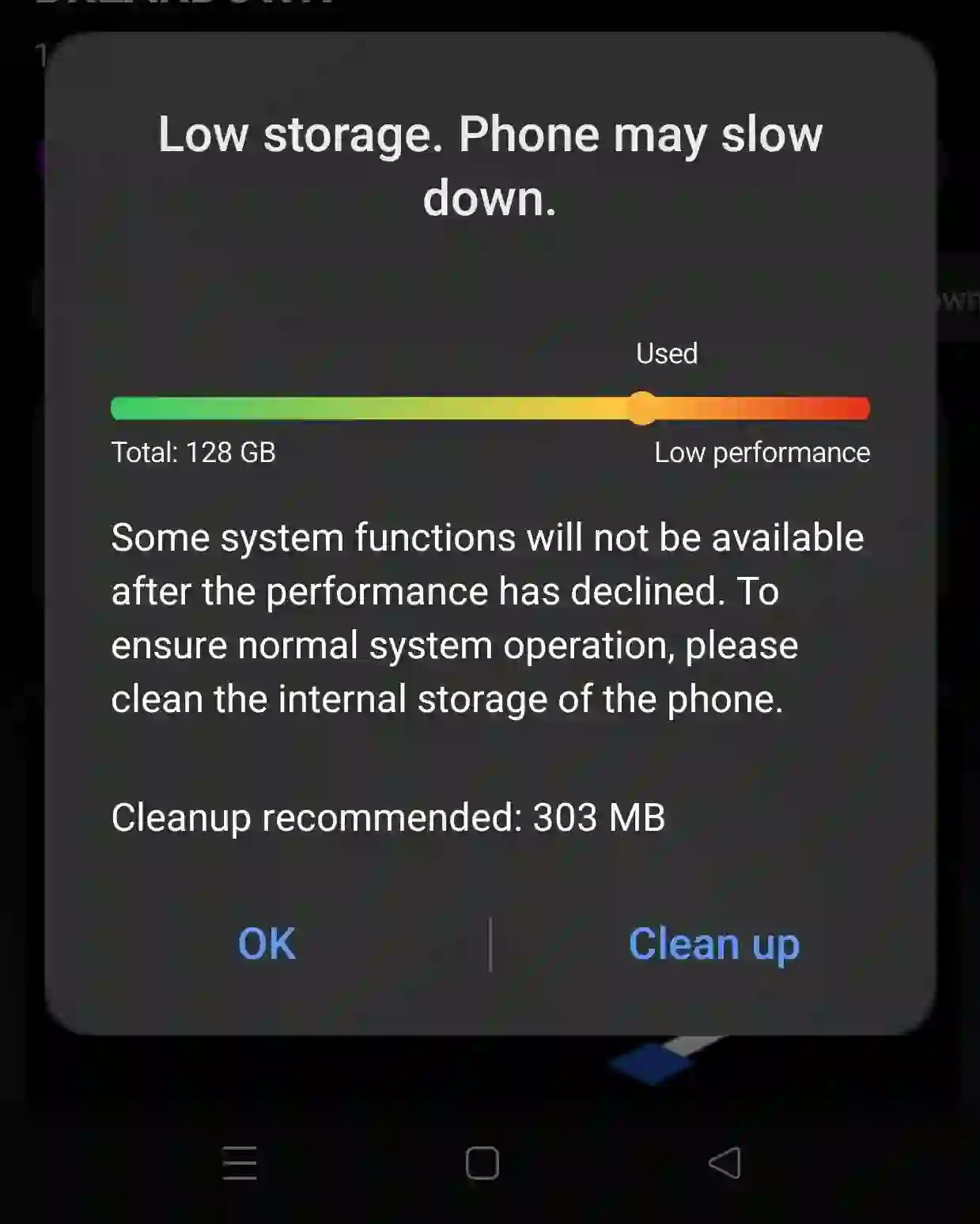
One of the most common problems smartphone users face today is running out of internal storage space. Whether you use your phone for photography, gaming, social media, or work, storage can fill up surprisingly fast. A full phone storage warning can slow down your device, prevent software updates, and even stop you from downloading important apps.
Fortunately, there are many effective ways to free up storage space on your smartphone without sacrificing your important files or favorite applications. In this complete guide, you will discover the best methods to optimize your Android phone storage, improve performance, and keep your device running smoothly.
To learn more, check our guide on how to connect Xbox to the internet.
Why Smartphone Storage Fills Up Quickly
Modern applications consume a significant amount of storage space. Social media apps such as Facebook, Instagram, TikTok, and YouTube continuously store temporary files, cached images, videos, and user data.
Additionally, high-resolution photos, HD videos, downloaded documents, games, and software updates all contribute to reduced free space on your smartphone.
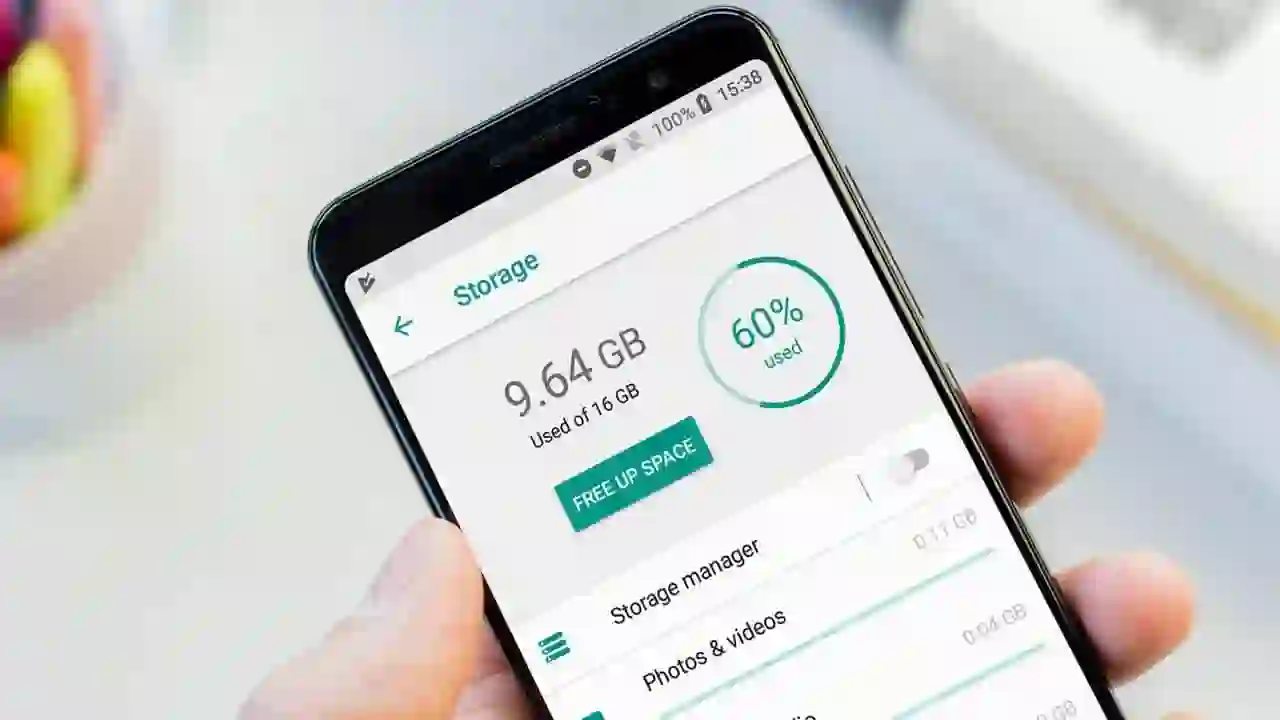
Some budget smartphones still come with limited storage capacities such as 8GB or 16GB, which can become full within weeks of regular use.
The good news is that you can solve this issue by applying the methods below.
1. Clear Cached and Temporary Files
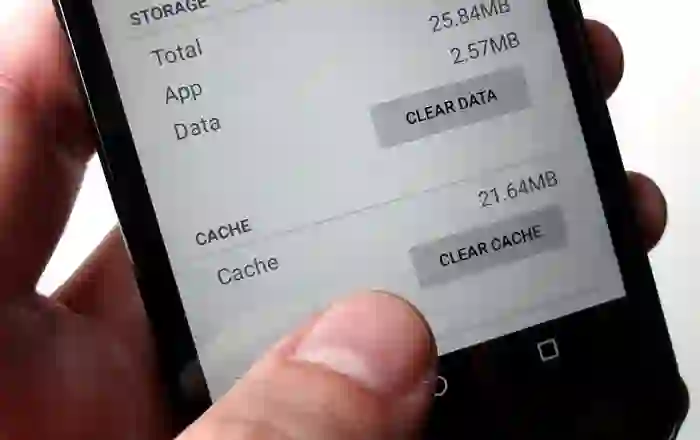
Cached data refers to temporary files stored by applications to help them load faster. Over time, these files accumulate and consume a large portion of your phone’s storage.
Although cache improves app performance, many applications continue storing unnecessary temporary files even after updates or uninstallations.
To learn more, check our guide on NVIDIA Artificial Intelligence.
How to Clear Cache on Android
- Open Settings
- Go to Storage
- Select Cached Data
- Tap Clear Cache
On some smartphones like Samsung devices, you may need to clear cache individually for each app:
- Open Settings
- Go to Apps
- Select an app
- Tap Storage
- Choose Clear Cache
Clearing cache regularly can free hundreds of megabytes or even several gigabytes of storage space.
Benefits of Clearing Cache
- Improves phone performance
- Frees up internal storage
- Reduces app lag
- Helps fix app-related issues
- Improves battery efficiency
2. Use Cloud Storage Services
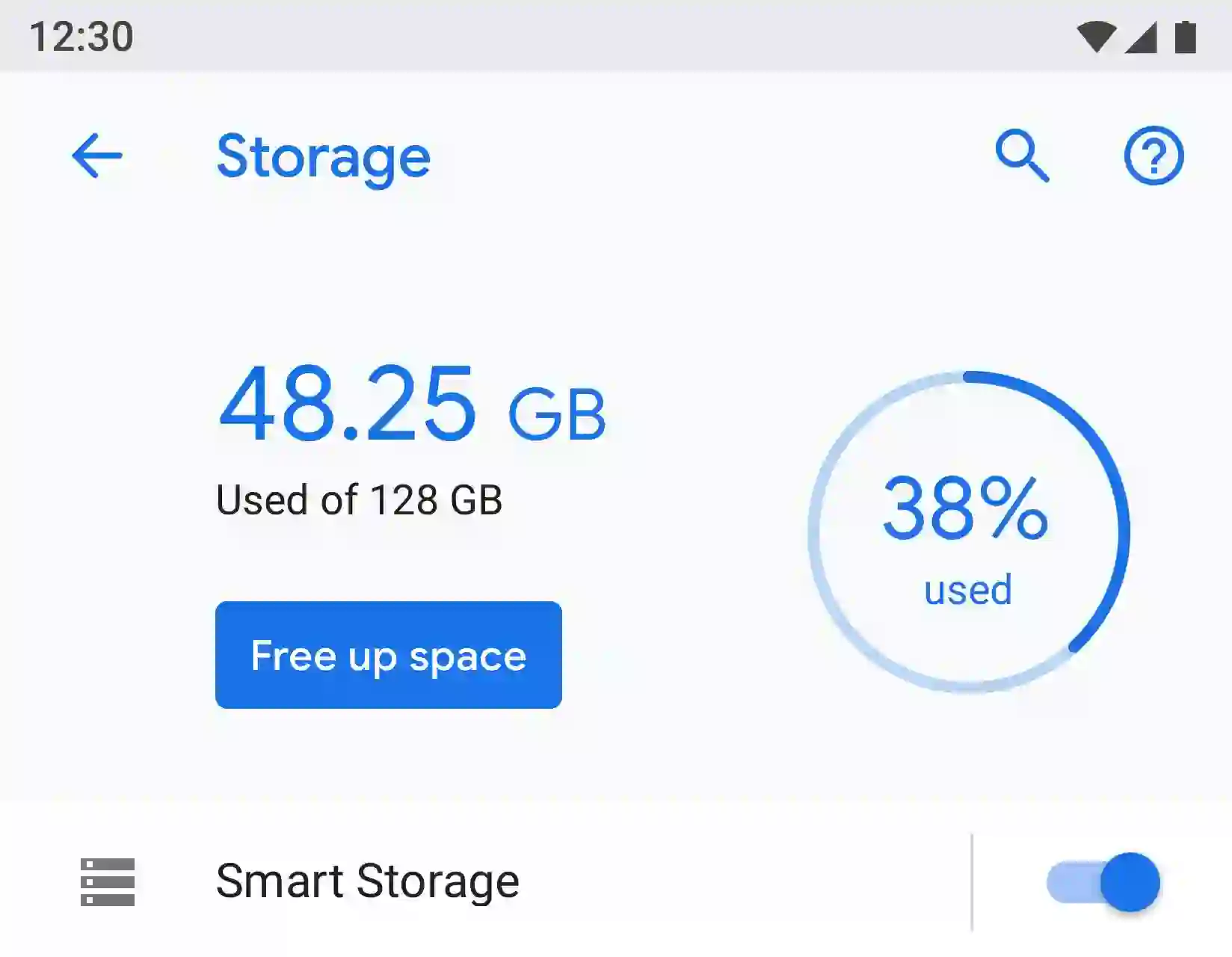
Cloud storage is one of the smartest and safest ways to save storage space on your smartphone.
Instead of keeping all your photos, videos, and documents on your device, you can upload them to secure cloud platforms and access them anytime from anywhere.
Best Cloud Storage Services
- Google Drive – 15GB free storage
- Microsoft OneDrive – 5GB free storage
- Dropbox – 2GB free storage
- Google Photos – Excellent for photo backup
Cloud services provide strong security and convenient access across multiple devices.
After uploading your files to the cloud, you can safely delete them from your smartphone to instantly free up space.
Why Cloud Storage Is Important
- Protects files from phone damage or loss
- Frees large amounts of storage
- Allows access from any device
- Improves phone speed and organization
For users who capture many photos and videos, cloud storage can save dozens of gigabytes over time.
3. Use an External SD Card
If your smartphone supports expandable storage, adding an SD card is one of the easiest solutions for storage problems.
External memory cards provide additional space for photos, videos, music, apps, and documents.
Recommended SD Card Sizes
- Minimum: 16GB
- Recommended: 32GB or 64GB
- Heavy users: 128GB or more
Modern apps and games can occupy massive storage space. For example, social media apps may use hundreds of megabytes after regular usage.
By moving media files and supported apps to an SD card, you can significantly reduce internal storage usage.
Advantages of Using SD Cards
- Affordable storage expansion
- Easy file transfer
- Supports large media libraries
- Improves device storage flexibility
4. Install Lite Versions of Applications
Many developers now offer lightweight versions of their popular apps known as “Lite” applications.
These apps are specifically designed for devices with limited storage and slower internet connections.
Popular Lite Apps
- Facebook Lite
- Messenger Lite
- TikTok Lite
- Twitter Lite
- YouTube Go
Lite apps consume less storage space, use less RAM, and reduce mobile data usage.
For example, Facebook Lite is dramatically smaller than the standard Facebook app while still offering essential features.
Benefits of Lite Applications
- Smaller installation size
- Faster performance
- Reduced data usage
- Less battery consumption
- Ideal for budget smartphones
If your phone has limited internal storage, switching to Lite apps can make a major difference.
5. Store Unused Apps on Your Computer
Another effective method is backing up app installation files to your computer.
You can save APK files for apps you rarely use, uninstall them from your phone, and reinstall them later whenever needed.
How to Backup Apps
- Install an APK backup application
- Create backup files for selected apps
- Transfer APK files to your computer
- Delete unused apps from your smartphone
This strategy is particularly useful for large games or applications that are not used daily.
Additional Tips to Save Phone Storage
Delete Duplicate Photos and Videos
Duplicate files waste unnecessary storage space. Use duplicate file finder apps to identify and remove them.
Remove Downloaded Media from Messaging Apps
WhatsApp and Telegram often store large amounts of media automatically. Delete unnecessary videos and images regularly.
Stream Music Instead of Downloading
Using streaming services like Spotify or YouTube Music can reduce offline storage usage.
Uninstall Unused Applications
Review your apps monthly and remove applications you no longer use.
Final Thoughts
Running out of smartphone storage space can be frustrating, but it is completely manageable with the right strategies.
By clearing cache files, using cloud storage, installing Lite apps, expanding storage with SD cards, and backing up unused applications, you can dramatically improve your smartphone experience.
These methods not only free storage space but also enhance phone speed, performance, and overall usability.
Start implementing these techniques today and enjoy a cleaner, faster, and more efficient smartphone.
Frequently Asked Questions
How do I free up space on my Android phone quickly?
You can quickly free up space by clearing cache files, deleting unused apps, and moving photos to cloud storage.
Does clearing cache delete important files?
No, clearing cache only removes temporary files and does not affect your personal data.
What is the best cloud storage service for Android?
Google Drive and Google Photos are among the best options due to their integration with Android devices.
Are Lite apps safe to use?
Yes, official Lite apps developed by trusted companies are completely safe and optimized for low-storage devices.
Is using an SD card good for phone performance?
Yes, moving files and supported apps to an SD card helps reduce pressure on internal storage.
Many smartphone customers undergo from the issue of inner reminiscence being full, or they even wish to present extra space for storing accessible on the cellphone for different functions, resembling downloading and putting in the most recent working system updates, downloading video games or putting in functions that require a substantial quantity of area on the cellphone.
Due to this fact, as we speak I current to you a set of easy and easy-to-implement methods and steps to supply enough area or storage capability in your smartphone’s inner storage. Observe together with the subject and remember to go away a remark beneath in case you encounter any drawback.
To learn more, check our guide on Best Camera Phones in 2025.
Steps to liberate cellphone storage:
- Delete and clear momentary information in your cellphone:
Momentary information (Cache Information) are a short lived storage reminiscence that holds particular kinds of knowledge, with the intention of creating the applying quicker to make use of. For example this, I’ll point out an instance, which is that if you obtain a sure utility, for instance, that utility takes some time the primary time you employ the applying, and over time it turns into quicker and simpler to open it.
Nonetheless, these momentary information can stay on the cellphone for a very long time with out being eliminated, even after uninstalling the applying. Due to this fact, it’s essential to delete these momentary information periodically to supply extra space for storing.
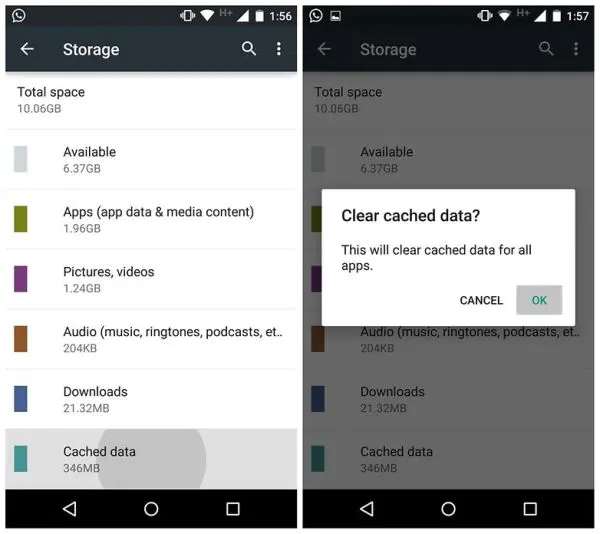
To do that, you may go to Settings, then to Storage, then to Cached knowledge, choose it, after which click on OK. That is how that knowledge was deleted, and area was saved in line with the dimensions of those momentary information. As you may see within the image, 346 megabytes of space for storing was saved.
Nonetheless, on some Android telephones with customized interfaces, resembling Samsung’s TouchWiz interface and others, that is performed by accessing the applying supervisor and deleting the momentary information for every utility individually (Clear cached knowledge).
- Storing necessary pictures and information on a cloud service:
Among the finest methods to avoid wasting area in your Android cellphone is that this technique, the place you save all of your images, movies, and necessary information of enormous sizes, and even any information that aren’t necessary to have in your cellphone in the intervening time, to the cloud (Cloud Storage), and delete them out of your cellphone, thus saving you area that you should use for the rest.
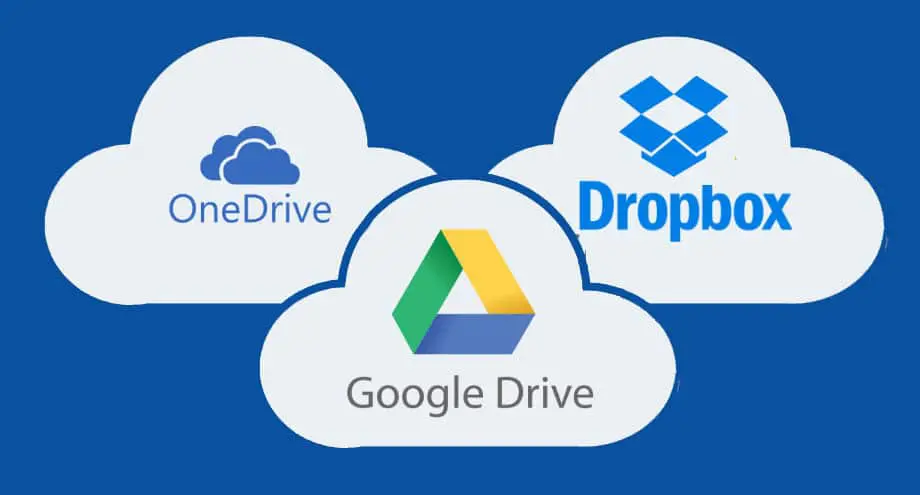
There are lots of suppliers of this service, resembling Google Drive, which gives 15 GB of free area to make use of, Microsoft OneDrive, which additionally gives 5 GB without spending a dime, Dropbox, which gives 2 GB without spending a dime, and plenty of different web sites and corporations that provide this service.
All it’s essential to do is search on Google for any of those providers, register an account on the location, and begin utilizing the free capability. If you wish to enhance your storage capability, you may lease bigger capacities of as much as 30 terabytes with Google Drive (which I positively suggest as the very best cloud service by way of value and high quality), and smaller capacities with the opposite providers we talked about.
To learn more, check our guide on generative AI for gontent greation.
This technique is totally secure, as all these websites provide robust safety in your information. You have to, in fact, save your login knowledge resembling e-mail and password and never share them with anybody in order that they don’t entry your information. They supply quick access to the information by way of your smartphone or by way of the service’s web site, and protect them regardless of how lengthy they’re saved (these information will be saved for a few years with out something occurring to them).
All it’s important to do now could be register for a type of providers, get pleasure from that free area, and do that technique. You will notice that it’s certainly probably the greatest methods to avoid wasting inner space for storing in your cellphone.
- Utilizing an exterior reminiscence card (SD card):

There are lots of telephones which have a small inner storage capability (8 GB or much less), resembling some older telephones and even newer, cheaper, price range telephones. Due to this fact, even your try to scale back using area will come on the expense of your cellphone utilization, and can prohibit the issues you could profit out of your cellphone by way of.
Due to this fact, it’s needed to buy and use an inner storage reminiscence (SD Card), as it’s going to liberate a big a part of your cellphone’s inner area, and thus you may obtain, for instance, a brand new replace to the Android system, and even obtain many functions and take advantage of the cellphone.
When shopping for an exterior reminiscence card, it’s preferable that its storage capability be considerably giant, that means at least 8 GB at least for an SD reminiscence card, and it may well even be at least 16 GB, as a result of most trendy functions as we speak eat giant areas, resembling Fb and Instagram, every of which may occupy, after a month of use, at least 600 MB of your reminiscence.
Some folks obtain overseas and Arabic TV collection and flicks, video information, programs, and varied coaching packages, and these additionally require area.
Finally, as an strange particular person, you want an exterior reminiscence card (SD card) to accommodate all this stuff in your cellphone, with the intention to have an excellent expertise along with your cellphone and profit from it as a lot as potential.
- Use the (Lite) variations of the unique functions, if accessible:

Many Android app builders not too long ago invented the concept of creating light-weight variations of their authentic apps, particularly after Mark Zuckerberg (the founder and precise proprietor of Fb, with a web price of $74.2 billion) visited India with a workforce from Fb.
They discovered that customers there face difficulties in utilizing the applying, whether or not because of the extraordinarily gradual web there, and even poverty and wish that makes many individuals purchase low-capacity telephones with small areas and restricted capabilities which might be widespread there and in poor and creating nations.
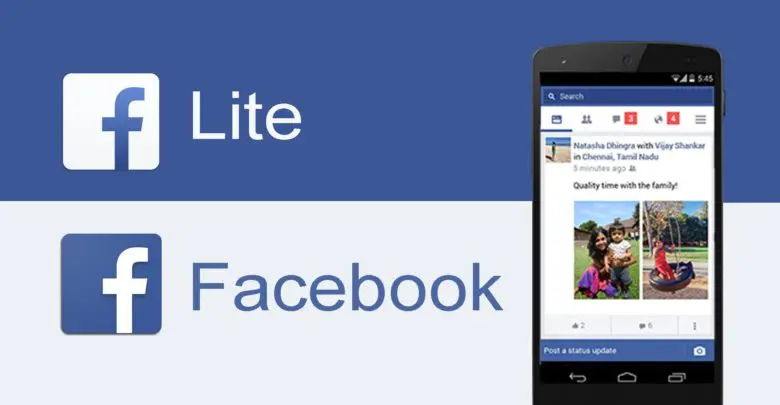
Due to this fact, he, his workforce, and his firm considered creating a brand new utility that provides the identical providers as the primary utility, however with the elimination of some additions and various things to scale back the dimensions of the applying, make it quicker, and save on knowledge utilization and the area it occupies. They created the Lite utility (Fb Lite), which as we speak doesn’t exceed 6 megabytes earlier than set up, and after set up doesn’t exceed 100 megabytes.
Fb has adopted many app builders, together with Twitter, LINE, YouTube, Instagram, and others, in creating light-weight variations of their authentic apps for a similar objective.
By utilizing the Lite app, you’ll save lots of space for storing in your cellphone that you should use for different issues whereas utilizing the app with out issues. Sure, there will probably be a scarcity of some options which might be provided on the primary app, however in return for what you want by way of decreasing the area, this can be a good factor.
I exploit these light-weight variations on my machine to avoid wasting area and scale back knowledge consumption, and I extremely suggest you strive them; you can find them to be an excellent manner to do this.
- Retailer your functions in your laptop and set up them if you want them:
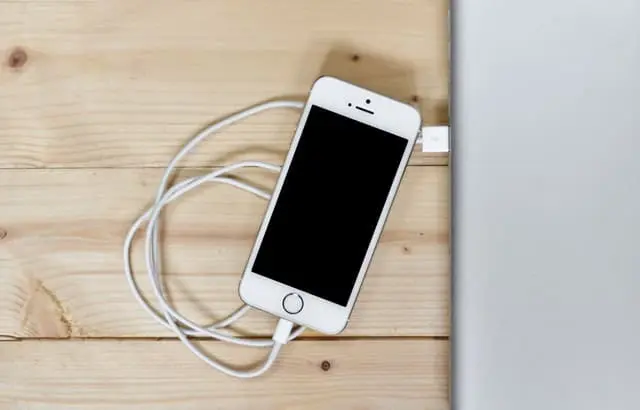
In case you have an Android cellphone, you may merely set up one of many backup functions, save the set up file in APK format, and switch this file to your laptop utilizing a USB cable and even utilizing Wi-fi in case you have a laptop computer.
Save this file to your laptop and delete the applying out of your cellphone. This course of will liberate space for storing that the applying was occupying, and everytime you want the applying, you may switch it again to your cellphone and set up it.
However this technique is for functions that you do not want and wish to maintain whereas saving area in your cellphone. You’ll be able to implement this technique very simply and conveniently, and you’re going to get the specified outcomes from it, and save space for storing in your cellphone’s inner reminiscence.
There are another options to unravel this drawback, however by way of this subject I’ve tried to supply the very best of those options from my humble standpoint, which I see as essentially the most appropriate and greatest in your cellphone. Lastly, in case you encounter any drawback, you may ask about it within the feedback beneath. Peace, mercy and blessings of God be upon you.