Table of Contents
- What Is ChatGPT Atlas?
- Main Features of ChatGPT Atlas
- Why Google Powers Atlas Search
- Exclusive Launch for macOS Users
- How AI Changes the Browsing Experience
- Productivity and Personalization Tools
- Future Expansion to Windows and Mobile
- OpenAI’s Growing Presence in the Browser Market
- The Future of AI-Powered Browsers
- Frequently Asked Questions
OpenAI has officially introduced ChatGPT Atlas, its first artificial intelligence-powered web browser designed to redefine how users interact with the internet.
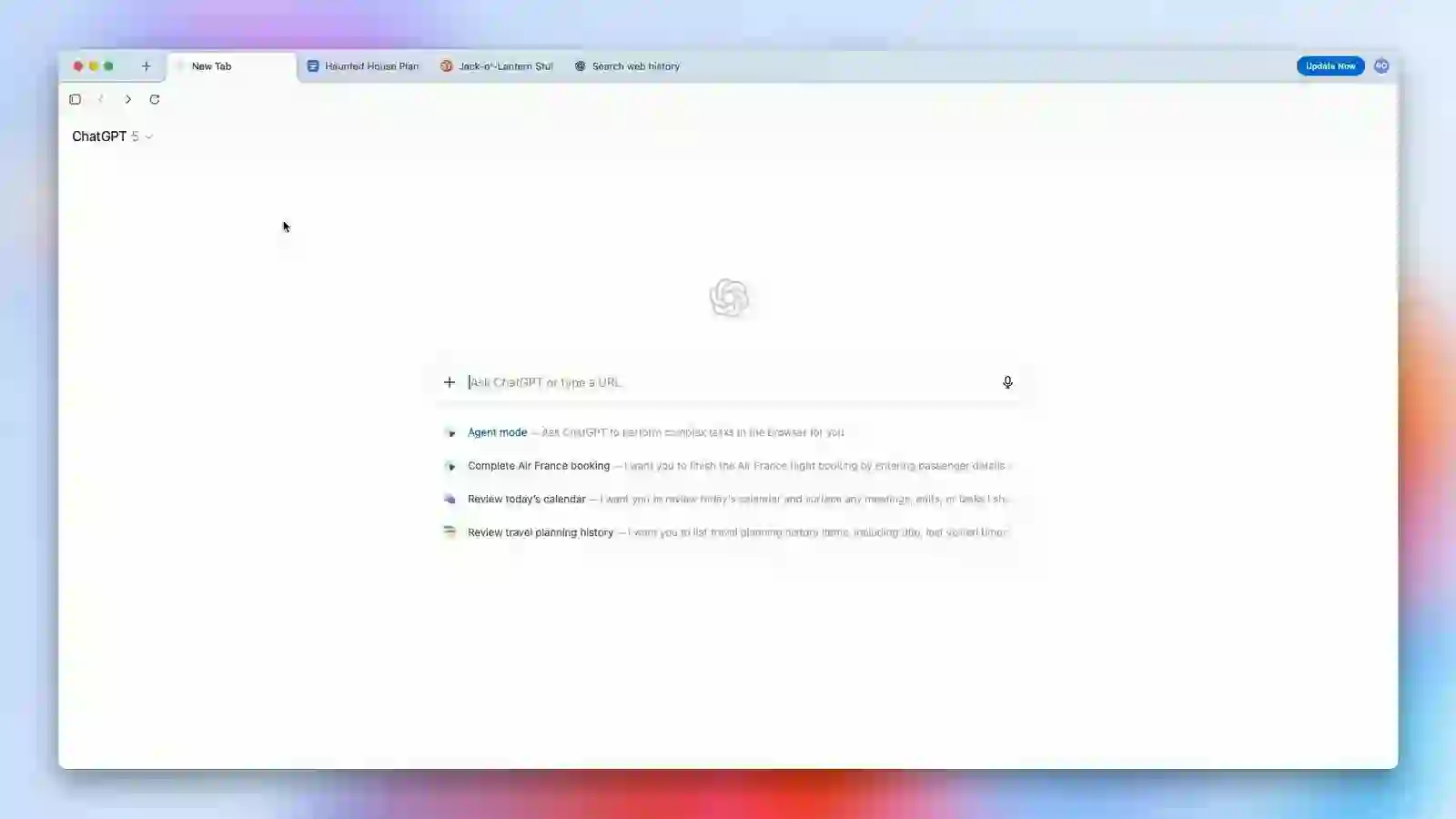
The browser is currently available exclusively for macOS users and combines traditional web browsing with integrated ChatGPT functionality directly within a sidebar interface.
Atlas represents another major step in OpenAI’s rapid expansion beyond conversational AI tools into broader software ecosystems and productivity applications.
With AI becoming increasingly integrated into everyday digital experiences, ChatGPT Atlas aims to create a more intelligent, personalized, and interactive browsing environment.

What Is ChatGPT Atlas?
ChatGPT Atlas is OpenAI’s new AI-powered browser that combines internet navigation with real-time artificial intelligence assistance.
Unlike traditional browsers that primarily focus on displaying websites, Atlas integrates ChatGPT directly into the browsing experience.
Users can interact with the AI assistant while visiting websites, researching information, rewriting content, shopping online, or managing productivity tasks.
The browser is designed to function as both a search tool and a smart assistant capable of understanding context and helping users complete tasks more efficiently.
Main Features of ChatGPT Atlas
Atlas introduces a range of AI-driven features that distinguish it from conventional browsers.
Integrated ChatGPT Sidebar
One of the most important features is the built-in ChatGPT sidebar, which allows users to interact with AI without leaving the current webpage.
AI-Powered Assistance
Users can ask ChatGPT to:
- Summarize articles
- Rewrite content
- Translate text
- Answer questions
- Provide shopping assistance
- Generate ideas and recommendations
Personalization Features
The browser also includes memory and personalization capabilities that adapt responses based on user preferences and browsing habits.
Search Integration
Atlas offers search experiences similar to ChatGPT responses while organizing results through multiple content tabs.
Why Google Powers Atlas Search
One of the most surprising aspects of ChatGPT Atlas is that its search functionality is powered by Google rather than Microsoft Bing.
This decision attracted significant attention because Microsoft has been one of OpenAI’s major investors and strategic partners.
When users perform searches within Atlas, the browser delivers AI-generated responses alongside categorized search tabs including:
- Web results
- Images
- Videos
- News
Each section also includes direct links to Google search results.
This hybrid approach combines AI-generated summaries with traditional search engine navigation.
Exclusive Launch for macOS Users
At launch, ChatGPT Atlas is available exclusively for macOS users.
Users can download the application directly from OpenAI’s official Atlas webpage.
Installation Process
- Download the Atlas installer
- Open the downloaded file
- Drag the application into the Applications folder
- Launch the browser normally
OpenAI stated that Atlas will be available globally across multiple subscription tiers including:
- Free
- Plus
- Pro
- Go plans
Versions for Windows, iOS, and Android are expected to launch in the near future.
How AI Changes the Browsing Experience
Artificial intelligence is rapidly transforming the way users interact with digital information.
Traditional browsers primarily act as passive tools for accessing websites, while AI-powered browsers like Atlas aim to become active assistants.
Potential Advantages of AI Browsers
- Faster information processing
- Context-aware assistance
- Improved productivity
- Smarter search experiences
- Personalized recommendations
- Integrated task automation
By embedding conversational AI directly into the browser, OpenAI hopes to simplify many online activities that previously required multiple applications or manual workflows.
Productivity and Personalization Tools
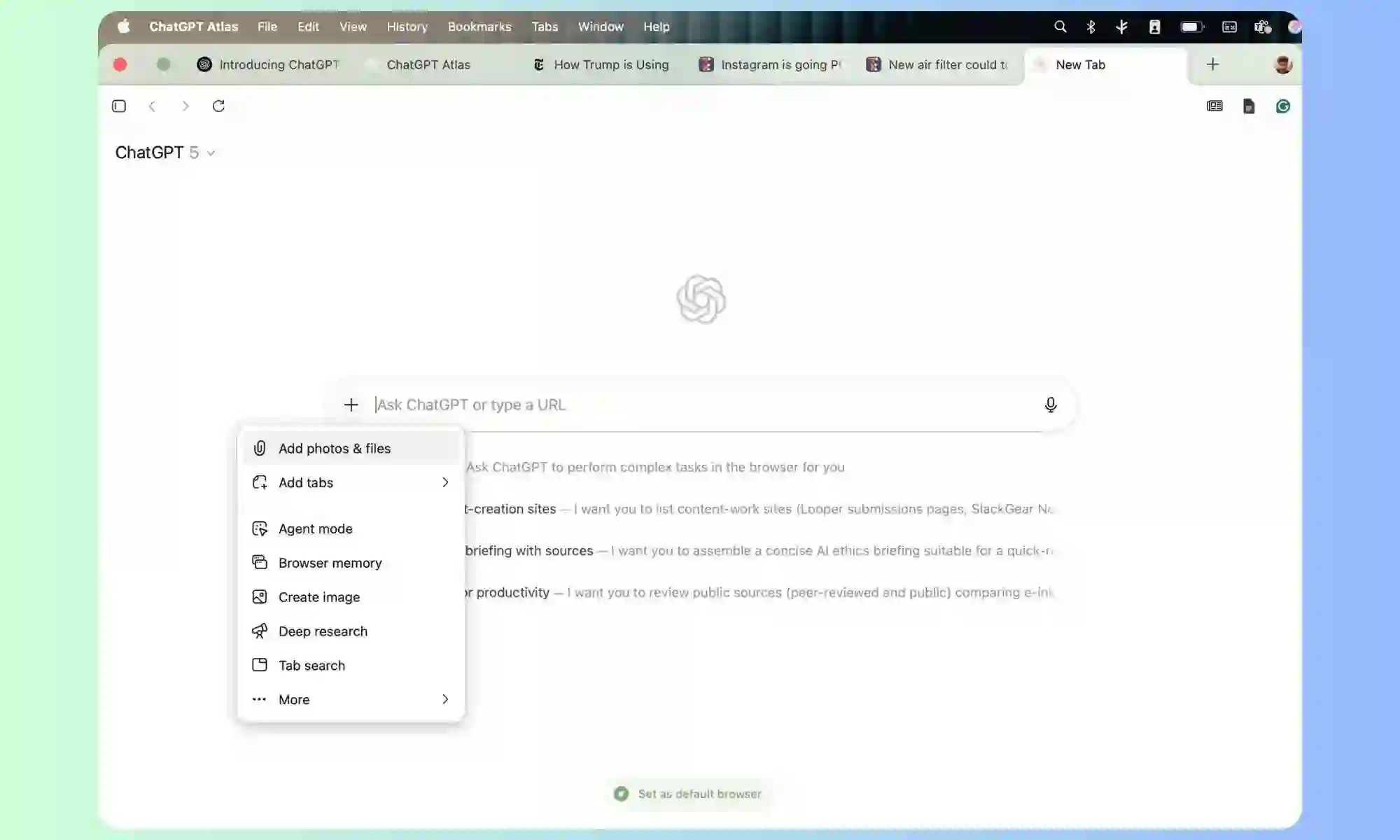
Atlas is designed not only for web browsing but also for productivity enhancement.
The browser’s AI assistant can help users perform a wide variety of tasks directly within the browsing environment.
Supported Productivity Features
- Content rewriting
- Email drafting
- Research assistance
- Task organization
- Shopping recommendations
- Information summarization
The browser’s memory system may also improve personalization by remembering user preferences and adapting interactions over time.
This creates a more customized browsing experience compared to traditional web browsers.
Future Expansion to Windows and Mobile
Although Atlas currently focuses on macOS, OpenAI confirmed plans to release additional versions for:
- Windows
- iOS
- Android
Expanding to mobile platforms could significantly increase adoption as smartphones remain the primary internet access method for billions of users worldwide.
Mobile AI browsers may become increasingly important for productivity, search, communication, and personalized assistance.

OpenAI’s Growing Presence in the Browser Market
The launch of Atlas demonstrates OpenAI’s ambition to compete more directly within the consumer software and internet ecosystem.
Web browsers represent one of the most strategically important categories in technology because they control how users access online information.
Major browser competitors currently include:
- Google Chrome
- Safari
- Microsoft Edge
- Mozilla Firefox
- Opera
By integrating advanced AI capabilities, OpenAI may attempt to differentiate Atlas as a next-generation browsing platform rather than simply another browser alternative.
The Future of AI-Powered Browsers
AI-powered browsers could become one of the next major trends in internet technology.
Future developments may include:
- Fully conversational browsing
- Voice-controlled internet navigation
- AI-generated webpage summaries
- Automated workflow assistance
- Real-time translation
- Intelligent shopping assistants
- Advanced personalization systems
As AI models continue improving, browsers may evolve from passive navigation tools into fully interactive digital assistants capable of managing increasingly complex tasks.

Final Thoughts
The launch of ChatGPT Atlas marks an important milestone in the evolution of AI-powered software experiences.
By combining web browsing with integrated ChatGPT functionality, OpenAI aims to create a smarter and more personalized internet experience for users.
The decision to use Google-powered search results adds an unexpected twist to the browser’s launch and highlights the growing complexity of partnerships within the AI industry.
As OpenAI expands Atlas to additional platforms including Windows and mobile devices, the browser could become an important competitor in the future of AI-assisted internet navigation.
The broader success of Atlas may ultimately depend on how effectively users embrace AI-enhanced browsing as part of their daily digital routines.
Frequently Asked Questions
What is ChatGPT Atlas?
ChatGPT Atlas is OpenAI’s AI-powered web browser that integrates ChatGPT directly into the browsing experience.
Which operating system currently supports Atlas?
At launch, ChatGPT Atlas is available exclusively for macOS users.
Does Atlas use Google or Bing for search?
Atlas search functionality is powered by Google.
What can users do with Atlas?
Users can browse websites, summarize content, rewrite text, shop online, and interact with ChatGPT directly from the browser sidebar.
Will Atlas become available for Windows and mobile devices?
Yes, OpenAI plans to release future versions for Windows, iOS, and Android.
OpenAI has introduced the launch of its first internet browser, known as ChatGPT Atlas, which is at the moment accessible completely for macOS customers. This new software program incorporates all of the options one would anticipate from an AI-powered browser, permitting customers to browse internet pages whereas interacting with ChatGPT in a sidebar.
Probably the most shocking options of Atlas is that its search capabilities are powered by Google and never by Microsoft Bing, regardless of the preliminary partnership between OpenAI and the latter, which has been certainly one of its fundamental buyers. When performing searches inside ChatGPT Atlas, customers will obtain ChatGPT-style responses, complemented by vertical search tabs on the prime that direct to various kinds of content material, comparable to internet, photos, movies, and information. Every outcomes part features a direct hyperlink to Google.
Mac customers who want to obtain ChatGPTAtlas can achieve this by way of chatgpt.com/atlas. The set up course of is straightforward: after downloading the file, they only must double-click the installer and drag the applying to their purposes folder. Atlas will likely be accessible worldwide for all person plans, together with Free, Plus, Professional, and Go, with variations for Home windows, iOS, and Android to be launched quickly.
By means of Atlas, customers is not going to solely browse the online, however they may also be capable of seek the advice of ChatGPT about numerous duties, together with content material rewriting, personalization, and buying help. Moreover, the applying presents reminiscence and personalization options, enriching the shopping expertise.
With this launch, OpenAI continues to broaden its presence within the tech market, providing new instruments that promise to facilitate person interplay with the online by way of the facility of synthetic intelligence.